Product Updated 2026-09-27 4 min read
Scrap Metal Is Now a Business Line: Orders With No Charge, in Beta for Everyone
DC
Dumpster Controls Team
Editorial team, reviewed against the shipped product
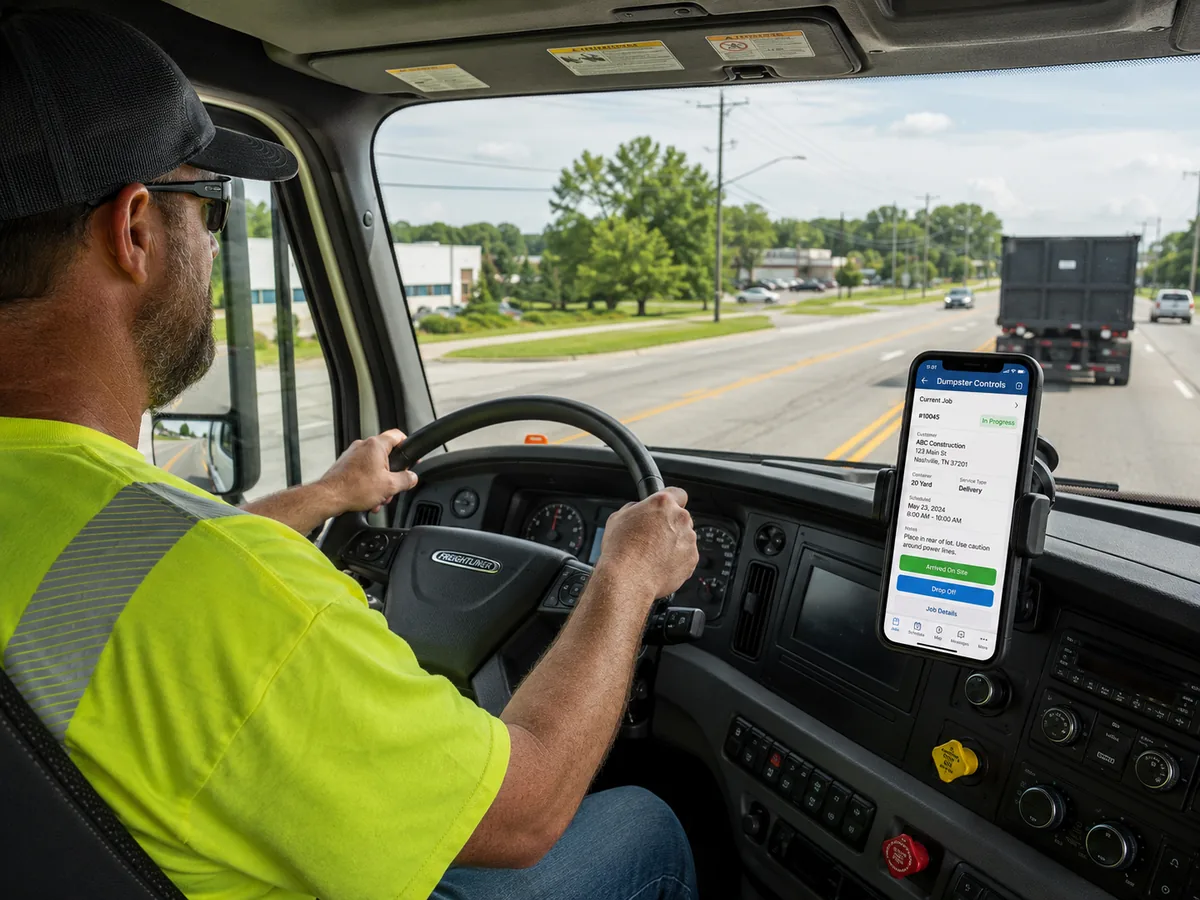
In September 2026 a support ticket arrived from the owner of a scrap metal removal company. He does more pickups than drop offs, and he does not charge for his service. His question was short: is there a way to turn the money function off so it stops interfering with billing?
There was not. Every order in Dumpster Controls had a price, an invoice and a payment status, because every order came from a dumpster rental or a junk job, and those end with someone paying.
His orders ended with a truck full of metal. Inside our software they looked like a growing pile of unpaid invoices, and the software behaved accordingly.
The same problem has a second form, in a roll-off company that also buys scrap. When a container comes back full of steel instead of drywall, the trip to the recycling center had to be logged as a landfill trip, because that was the only kind of disposal leg the app knew. The yard pays the company, and the order records a tipping fee.
A scrap company does everything a dumpster company does, with the money running the other way. The load is the payment.
What shipped: scrap metal software inside Dumpster Controls
Scrap Metal is now a business line in Dumpster Controls, in beta, for every company, free. It sits next to Dumpster Rental and Junk Removal in the same account.
It changes three things about an order: how it is created, what happens to the money, and how it is marked on every screen a dispatcher or driver looks at.
Pickup only
One visit: the truck picks up the scrap and no container stays on site. The form collapses to what a single visit needs, one pickup date, and the container size becomes optional.
Drop off
A container that stays on site until it is full, with size, delivery date, pickup date and driver, exactly like a regular dumpster order.
No charge, by default
A box that is checked before you touch it. Leave it and no invoice is created, no payment link is generated, and the order can never be late on payment. Uncheck it for the one customer you do bill.
Creating one starts in Create New Order, with a new Scrap Metal card carrying a Beta badge. The summary says in plain words that there is no charge, and a short confirmation replaces the invoice preview, because there is no invoice to preview.
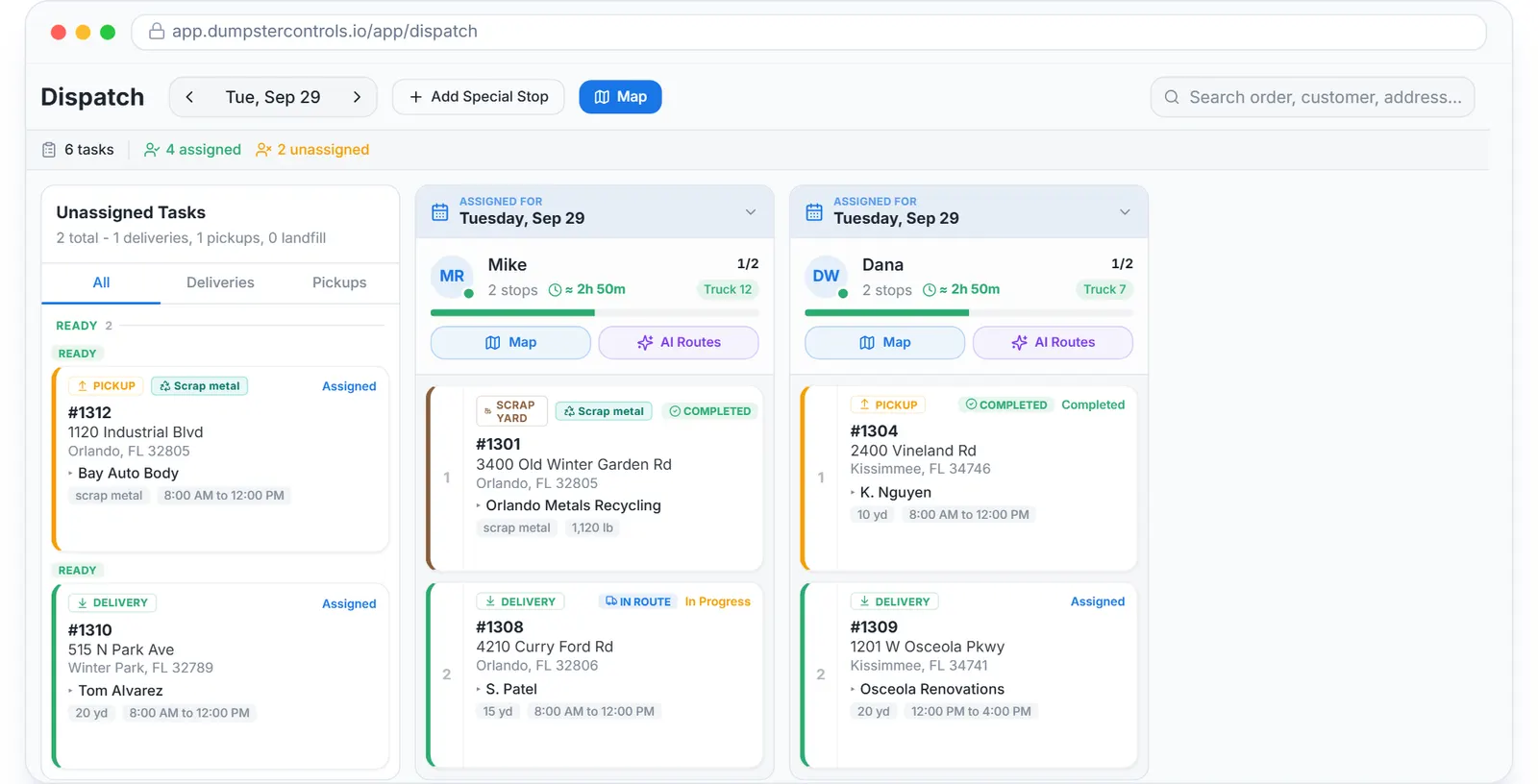
A scrap order: the job type, the weights, the ticket photo, and no invoice anywhere. Sample data, real app.
Where a scrap order is marked
Downstream, the order is marked wherever it matters. It has its own card on the Operations page, with a tab listing drop offs, pickups and scrap yard runs, and its own card on the Dashboard.
On the dispatch board the task carries a teal Scrap metal badge, and the leg that would say Landfill on a dumpster order says Scrap yard. The web driver app and Truck Tablet Mode show the same badge, plus a Pickup only chip when there is no container, so the driver knows before leaving the yard.
On the live map, scrap stops draw as diamond pins, next to circles for dumpsters and squares for junk, and the dispatch map adds a legend.
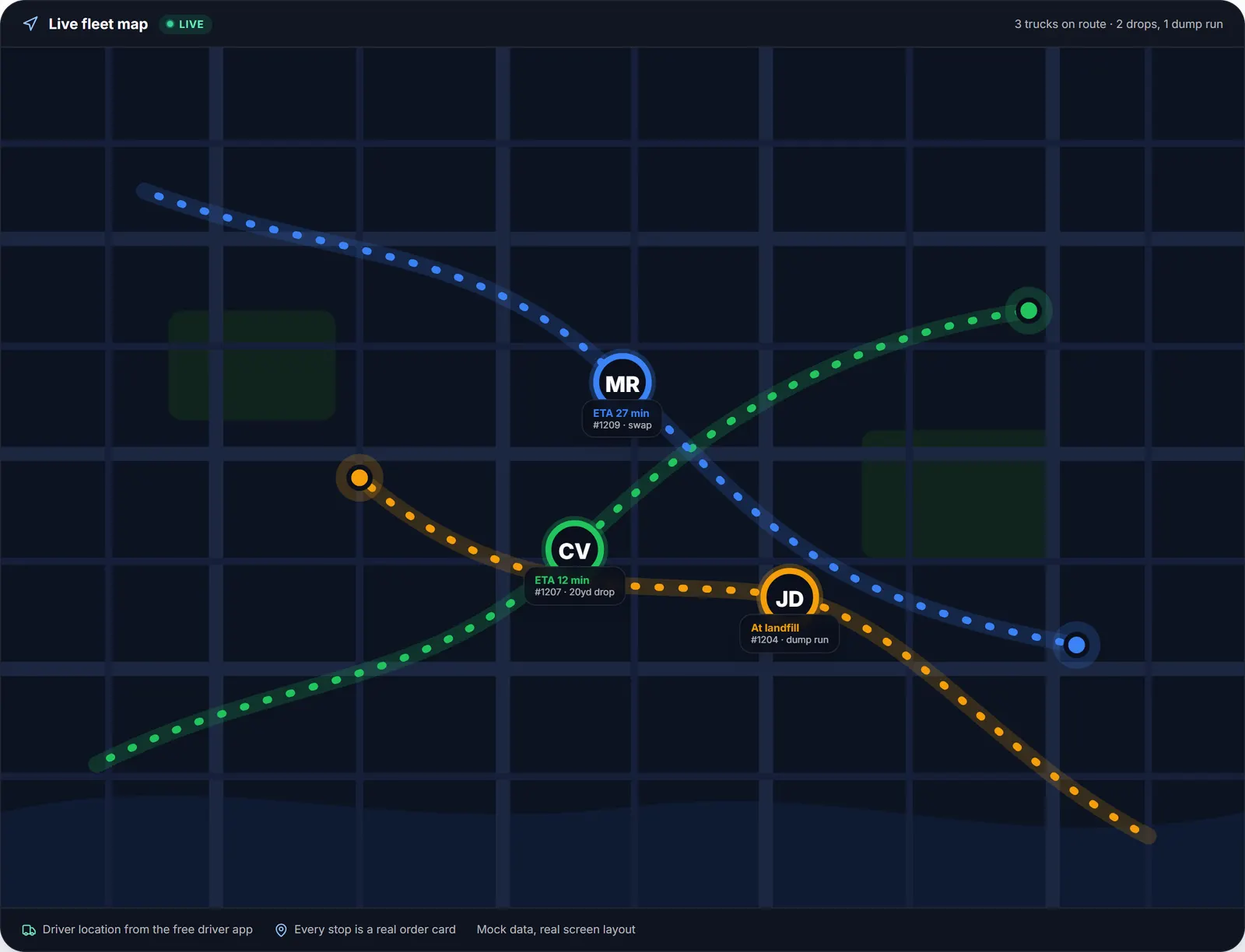
The live dispatch map. Scrap stops draw as diamond pins next to the circles for dumpsters and the squares for junk. Sample data.
How to turn scrap metal on
A new account picks its business lines in the welcome dialog, on the step that asks what the company does; Scrap Metal is there, unchecked, with its Beta badge. An existing account turns it on in Settings, under Company, in the Business lines section.
The moment it is on, the Scrap Metal card appears in Create New Order and in Operations. Turning a line on adds screens; turning one off only hides empty cards and creation buttons, and never hides an order you already have.
Nothing else in the account changes. A dumpster company that adds scrap keeps its regular orders, drivers, trucks and board exactly as they were. The step by step, with screenshots, is in the Scrap Metal section of the help center.
What scrap metal software does in the beta
This is a beta, and it already runs the operation: the order, the pickup-only or container choice, dispatch, the driver, the map and the customer record, all at no charge to the customer and no cost to the company.
Since this post the line has grown: the driver records the Scrap yard ticket at the recycling center, the Scrap Sale and Load result cards show the metal sale, the rebate and the net on the order, Finances shows them in their own Scrap metal card, and Swap works on a scrap container that stays on site. The full, current list is on software for scrap metal companies.
The web driver app and the truck tablet show the scrap badge and the ticket form; on the App Store and Play Store build, drivers complete the scrap stop as usual and the office records the ticket in Order History.
What it costs
Nothing. The software is free for any fleet size, with unlimited orders, drivers and trucks, and no credit card, contract or setup fee. The only cost anywhere on the free plan is card processing, and only when a customer pays by card through it.
A scrap order with no charge never reaches a card, so a scrap company that never bills a customer runs entirely at zero. The full picture for scrap operators is on the software for scrap metal companies page.
Scrap is the third business line of the same free dumpster rental software; the board it runs on is described under dumpster dispatch software.
Topicsscrap metal software scrap metal pickup software scrap metal business software scrap metal dispatch app no charge order scrap metal removal software
Explore the platform
- Dumpster Rental Software: the complete platform overview
- Software for Dumpster Companies: built for roll-off haulers
- Dispatch Software: drag-and-drop dispatch board
- Booking Software: online booking widget
- Driver App: free iOS & Android
- Free Plan: Free, no credit card
- Help Center: 421 step-by-step guides to every module
Next → We Put a Tablet in the Truck: Truck Tablet Mode for Roll-Off Drivers
Frequently asked questions
Is Dumpster Controls really free?
Yes. The entire app is free for any company at any fleet size: dispatch, online booking, the driver app, invoicing, the Tresha AI assistant and every other feature, with no monthly fee, no trial period and no credit card to sign up. The only cost on the free plan is optional card processing when a customer pays by card through the platform: 2.99% plus $3.99 per transaction on the free plan. The entire app is free; an optional $169 per month plan lowers that to 2.99% plus $0.30 and adds a Sponsored spotlight in the public company directory. Prices as published on dumpstercontrols.io/pricing on 2026-09-23.
Do you charge per driver, per truck or per order?
No. There is no per-driver, per-truck, per-user or per-order fee, and no order limit. A company with one truck and a company with twenty pay the same for the software: nothing.
Is there a contract?
No. There is no contract, no minimum term and no setup fee. You create the account yourself, and on the free plan there is nothing to cancel because nothing is billed. The optional $169 lower card rate plan is billed month to month.
Which countries and languages are supported?
Dumpster Controls serves hauling companies in the United States and Canada. The app interface and the Tresha AI assistant are available in English, Spanish and Portuguese. The public pages, such as the blog, the help center and the landfill finder, are in English.
How do I switch from another dumpster software?
Create a free account at dumpstercontrols.io/login, with no sales call and no credit card. Then import your customers from a CSV file using the template provided in the app; past orders can also be imported from a CSV. Container sizes and pricing are set up in Settings. The landfill database, with 1,750 active US and Canadian landfills as counted on 2026-10-01, is already loaded, so disposal sites do not need to be typed in. Step-by-step guides are at dumpstercontrols.io/help.