Fleet
Dumpster fleet management software that takes the odometer from the driver's check-in
Trucks, documents, odometer from the driver, oil changes and costs in Finances.
- Every truck with model, plate, VIN, year and a Reg / Ins / Odo document checklist
- Daily check-in: truck, odometer and pre-trip inspection before the task list opens
- Oil change reminder and maintenance log, with the cost posted to Finances in one click
No credit card · No contract · Forever free plan
Topicsdumpster fleet management software roll off truck maintenance software driver daily check-in app
Last updated September 28, 2026 Published by Dumpster Controls, built by a software group led by a founder with 20+ years in enterprise IT who also ran a roll-off business for four years
What you get on day one
- Trucks page with Total Trucks, Missing Documents, Maintenance and Inactive counters
- Registration, Insurance and Odometer on every truck, plus Add Document for a DOT permit or anything else
- Four photo slots per truck: front, right side, left side and rear
- Driver daily check-in with the truck, the odometer and a five-point pre-trip checklist, switched on from the Company tab
- End of day with the final odometer and a Shift complete recap of hours worked and miles driven
- Driver Usage Log and Monthly Mileage chart on each truck's Usage tab
- Oil Change Reminder: last change, next due and a countdown from the recorded mileage
- Maintenance card with Inspection, Brakes, Tires, Engine or Other, the next due mileage or date, and Post to Finances
Counted in our production database on October 1, 2026. Updated monthly.
140+
Trucks registered
190+
Drivers on the app
400+
Companies on Dumpster Controls
35 states + Canada
Where it runs
What dumpster fleet management software tracks per truck
Dumpster fleet management software in Dumpster Controls is the Trucks page and the driver's daily check-in. Every truck carries its documents, photos and mileage on one page, and the mileage comes from the odometer your drivers type when they start and end their shift. The oil change reminder and the maintenance log count down from those miles.
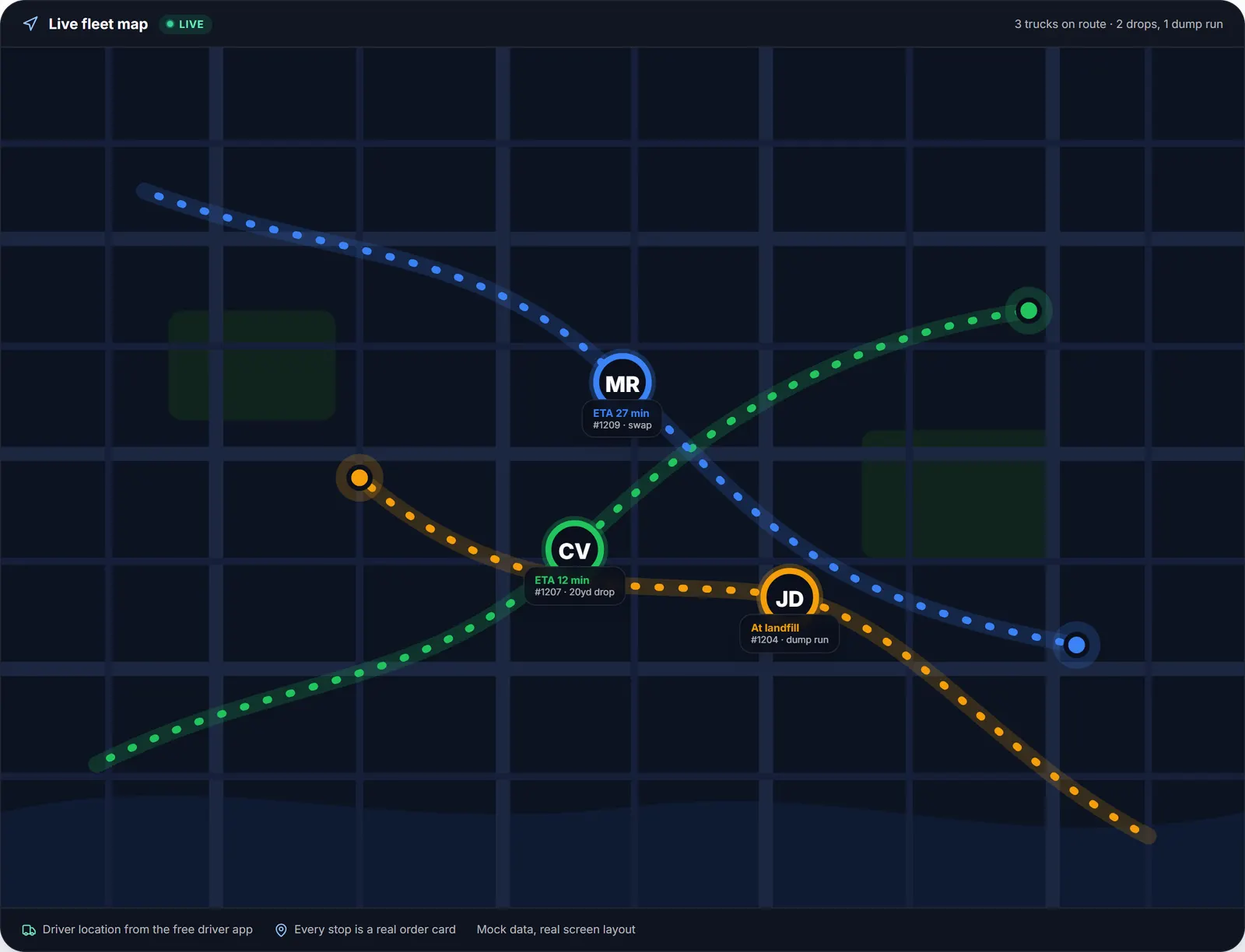
The live dispatch map for one driver, sample data.
The Trucks page lists each truck with model, plate, VIN, year, a Reg / Ins / Odo checklist and a status of Active, Maintenance or Inactive. Four counters sit at the top: Total Trucks, Missing Documents, Maintenance and Inactive, with a Documents filter that isolates the trucks missing a file.
Each truck has four tabs: Overview, Documents, Photos and Usage. Usage stacks the Oil Change Reminder, the Maintenance card, the Monthly Mileage chart and the Driver Usage Log, so the odometer story of the truck sits under the paperwork.
Drivers feed the fleet record
Daily check-in
Truck, odometer and pre-trip inspection before the task list opens, and the final odometer when the day ends. One switch on the Company tab turns it on for the whole fleet.
Usage log and mileage chart
Each shift shows the driver, the start time, both readings and the miles driven. The Monthly Mileage chart totals the last six months from those readings.
Live map
Truck positions come from the drivers' phones, refreshed about every 30 seconds, with no hardware to install. The dashboard map and the Dispatch route map show the same marker.
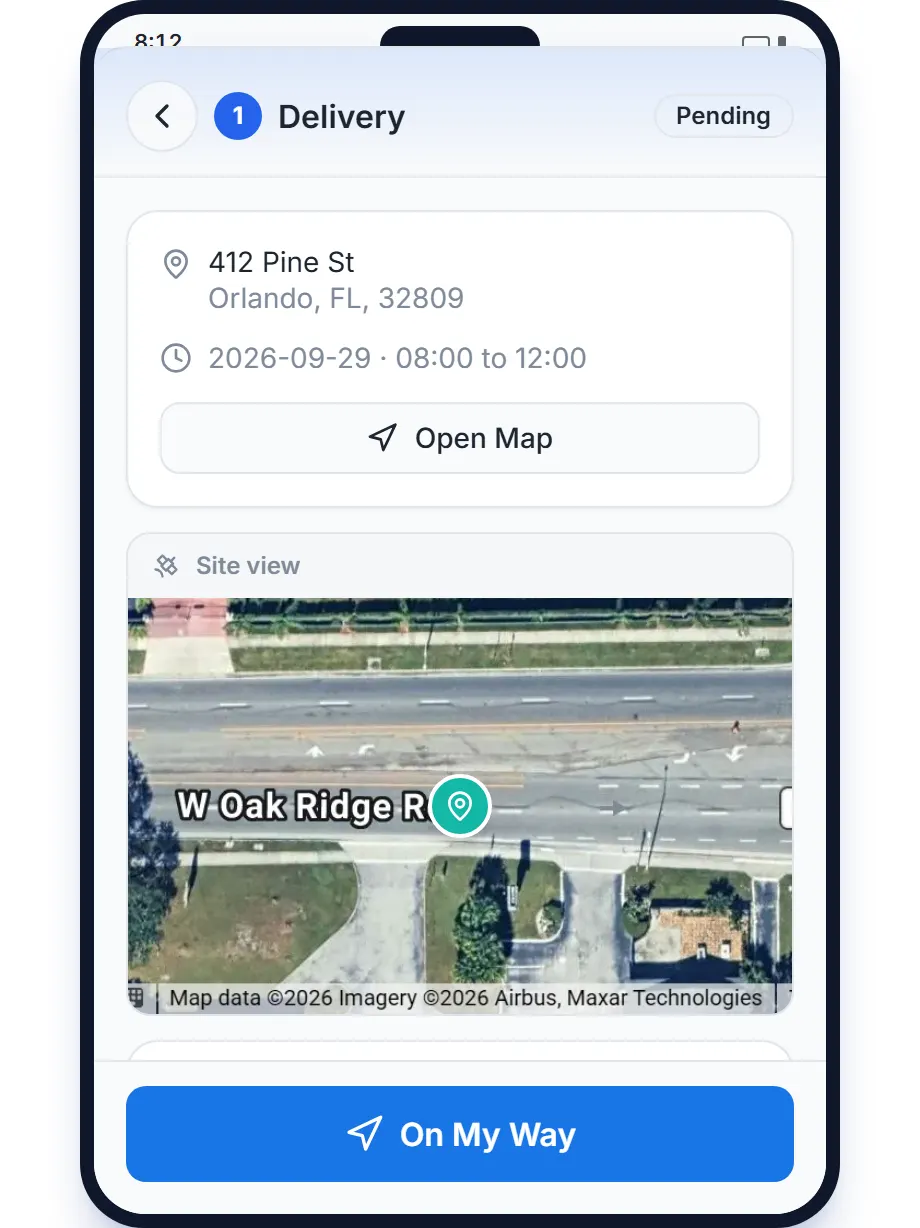
The driver app feeds the fleet record: check-in, odometer, end of day.
Driver daily check-in app: truck, odometer and pre-trip inspection
One switch on the Company tab makes drivers start the day with a check-in: pick the truck, type the current odometer next to the last recorded mileage, and confirm the pre-trip checklist (tires, lights and mirrors; brakes and parking brake; fluids; hydraulics and hoist; cab, seatbelt and horn). The task list opens only after Complete check-in.
At the end of the day the driver types the final odometer and gets a Shift complete recap with hours worked and miles driven. The shift lands on the truck's Driver Usage Log with the driver's name, the start time, the two readings and the miles, and it feeds the Monthly Mileage chart and the work-hours and miles reports.
Roll off truck maintenance software: oil change reminder and service log
The Oil Change Reminder takes the mileage at the last oil change and the interval you service at (10,000 miles is pre-filled) and shows Last change, Next due and a progress bar. The line under it reads On track with the miles to go, turns amber inside the last 1,000 miles, and red when the truck is past due. After the service, Edit the mileage at last oil change and the cycle restarts.
The Maintenance card logs every other service: Inspection, Brakes, Tires, Engine or Other, with date, mileage, cost, vendor, notes and Repeat after in miles or months. Each record shows its Next due, turns red with an Overdue warning when the truck passes it, and Post to Finances books the cost as a maintenance expense once; the entry then reads In Finances so it is never posted twice.
Truck documents and photos: registration, insurance and odometer on every truck
Every truck starts with three document slots, Registration, Insurance and Odometer, and Add Document takes anything else, such as a DOT permit. Uploaded files show Uploaded with view and Replace; missing ones read Not uploaded with an Upload button, and the truck's header says Docs Complete or lists what is missing.
The Photos tab holds the four sides of the truck, for condition and for the insurance file. The Trucks page counts the trucks with a missing document and filters them by Missing Registration, Missing Insurance or Missing Odometer.
Before and after
Before
- Insurance and registration files spread across a glovebox and an inbox
- Odometer readings written on a clipboard, if at all
- The oil change happens when someone remembers
After
- Reg / Ins / Odo chips on every truck and a Missing Documents counter
- Odometer captured at every check-in and end of day
- The oil change reminder counts down from the recorded miles
Try it free, no card needed
Trucks, documents, odometer from the driver, oil changes and costs in Finances.