Operations
Multi-yard dumpster software : one yard, a full can stored at any address, one board
Free for any fleet size and any number of lots: every truck, driver and stored can on one board.
- One account, free for any fleet size, no seat fee
- Store a full can at any address; the Landfill tab lists it with that address
- Every yard and lot on one board and one live map, free at any fleet size
No credit card · No contract · Forever free plan
Topicsmulti yard dumpster software store full dumpster for later multi location dumpster rental software
Last updated September 28, 2026 Published by Dumpster Controls, built by a software group led by a founder with 20+ years in enterprise IT who also ran a roll-off business for four years
What you get on day one
- One company account with unlimited users, drivers and trucks
- Store Full Dumpster for Later from the order drawer or the driver app, with the storage address and the can label
- Use HQ Address fills your headquarters in one click
- The stored task returns to the pool under Stored, waiting landfill, and the truck is marked empty
- Operations > Landfill: Stored Full Dumpsters with the Stored location, how long ago, and Assign Driver
- Push to the driver: Landfill Pickup Assigned, with the storage address
- The route map adds the Pick up stored dumpster point and a via storage chip on the stop
- Special stops for yard runs, fuel stops, a return to HQ or a standalone landfill trip
Counted in our production database on October 1, 2026. Updated monthly.
400+
Companies on Dumpster Controls
140+
Trucks registered
190+
Drivers on the app
35 states + Canada
Where it runs
What multi-yard dumpster software means in Dumpster Controls
Multi-yard dumpster software in Dumpster Controls works like this: your company has one yard, the HQ address in Company Settings, and any full dumpster can be stored at any address you type, the HQ or a lot next to the job. There is no yard list and no yard selector; the storage address travels with the can. Every driver, truck and stop lives on one board and one live map, free for any fleet size.
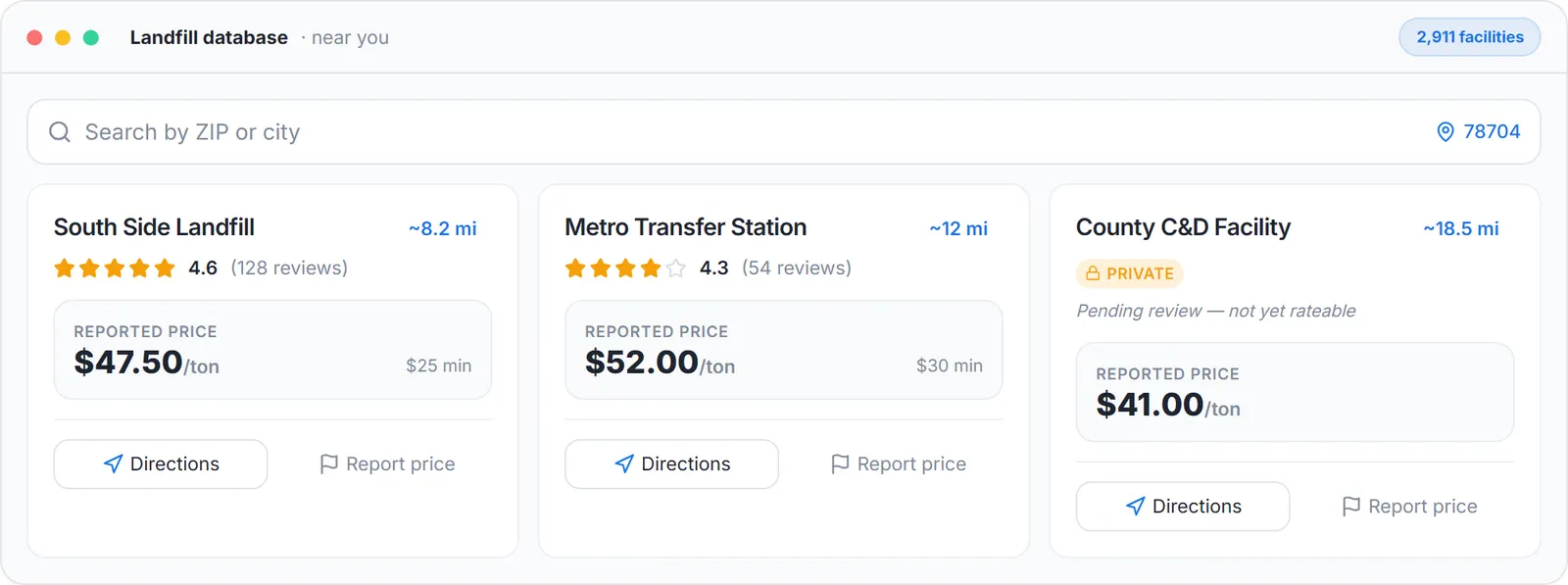
The landfill run: the driver picks the landfill from the list with its fee, sample data.
When the landfill is closed or the day ran out, the driver taps Store for Later on the landfill task, or the office clicks Store Full Dumpster for Later on the order. The task returns to the pool under Stored, waiting landfill and the truck is marked empty. Next morning the Landfill tab lists the can under Stored Full Dumpsters with its Stored location, how long ago it was stored, and an Assign Driver dropdown.
Multi-yard fleets run on the same free app: every truck, driver and stored can, whatever address it sits at, on one board and one live map, at any fleet size. For brokers, franchisors and large fleets (100+ trucks and thousands of dumpster orders a month) that want separate inventory, prices or books per yard, we recommend Enterprise, by quote: the same software, plus personalized support, an on-site team at the customer's address, training, 24-hour support, custom branded apps and customization for high-performance operations.
What is shared, what travels with the can
Shared
Inventory, prices, the dispatch board, Finances and the customer list are company-wide.
Per can
A stored full dumpster carries its own storage address and label until a driver takes it to the landfill.
Per truck and driver
Each truck has its own record, documents and mileage; each driver has a lane, a check-in and a usage log.
Per stop
Special stops put yard runs, fuel stops, HQ returns and standalone landfill trips on the route.
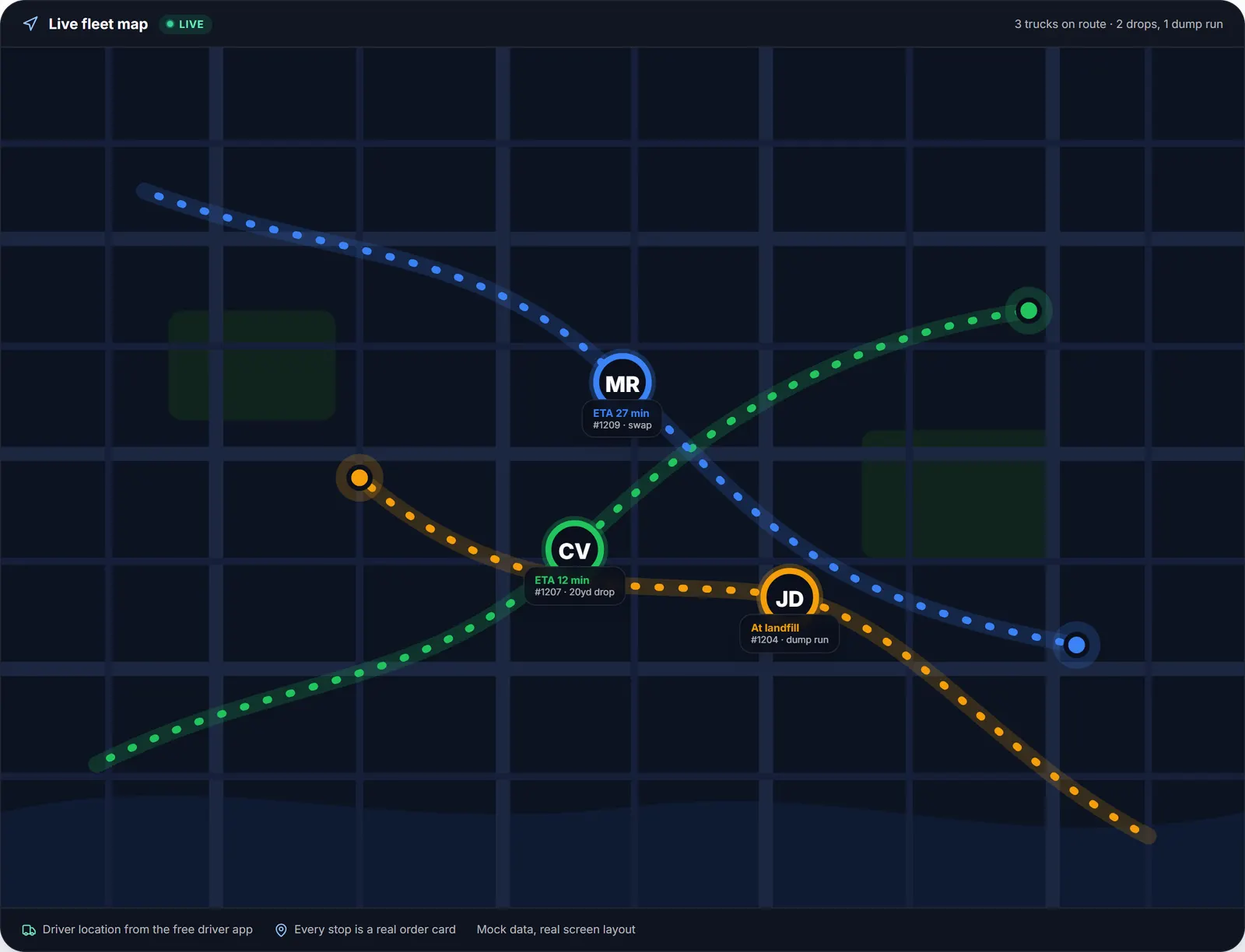
One board, one lane per driver, whatever address the can was parked at.
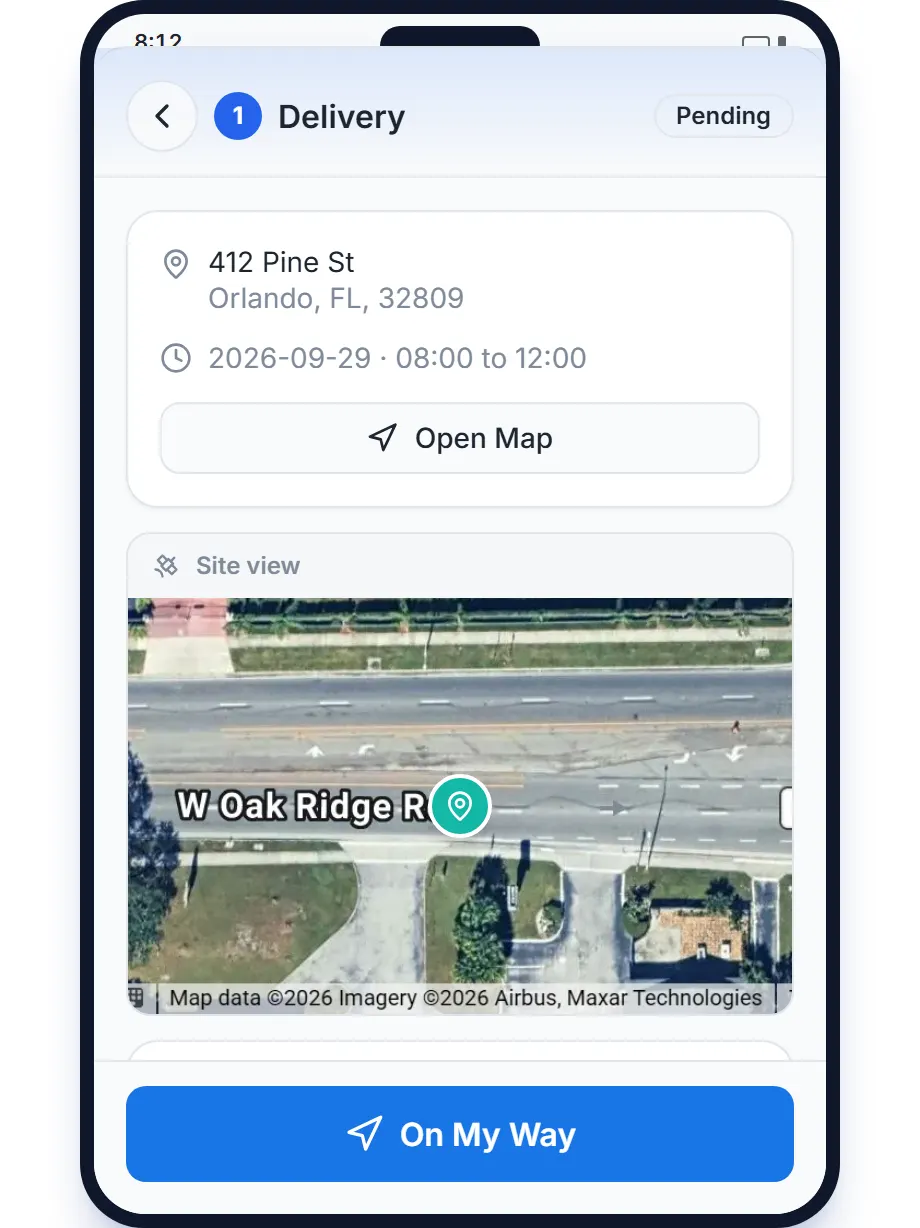
The driver app: the landfill task with Store for Later.
Before and after
Before
- A full can parked overnight is forgotten until the customer calls
- The truck stays full in everyone's head and skips the next delivery
- Two crews, two spreadsheets, one owner with two phones
After
- The can sits in Stored Full Dumpsters with its address and how long ago
- The truck is marked empty the moment the can is stored
- Every crew on one board and one map
Try it free, no card needed
Free for any fleet size and any number of lots: every truck, driver and stored can on one board.
Frequently asked questions
Related
- dumpster rental software
- dumpster dispatch software
- dumpster rental software pricing
- dumpster rental software cost
- how to improve dispatch operations for a waste management company
[### dumpster dispatch software
Drag-and-drop board, live map, AI route suggestions. Free.](https://dumpstercontrols.io/dumpster-dispatch-software)[### dumpster driver app
iOS and Android app: stops in order, photos, slide to complete.](https://dumpstercontrols.io/dumpster-driver-app)[### dumpster route optimization
Tresha sequences each driver's stops and shows the miles saved first.](https://dumpstercontrols.io/dumpster-route-optimization)