CONTAINER TRACKING, FREE
How to track containers and inventory for a hauling company
Register a size and its count, and every can becomes a unit with a serial. The driver binds the unit to the order at delivery, the map shows where it sits and whether it is late, and the pickup frees it again.
- Serials created automatically: 20YD-01, 20YD-02, and so on
- QR sticker per unit, scanned at delivery and pickup
- Unit status shows the order number and address it is at
- Operations counts deliveries, pickups, landfill runs and junk jobs
Get the Free SoftwareSee features
4.7 on the App Store Available in all 50 US states and Canada
Last updated September 27, 2026 Published by Dumpster Controls, built by a software group led by a founder with 20+ years in enterprise IT who also ran a roll-off business for four years
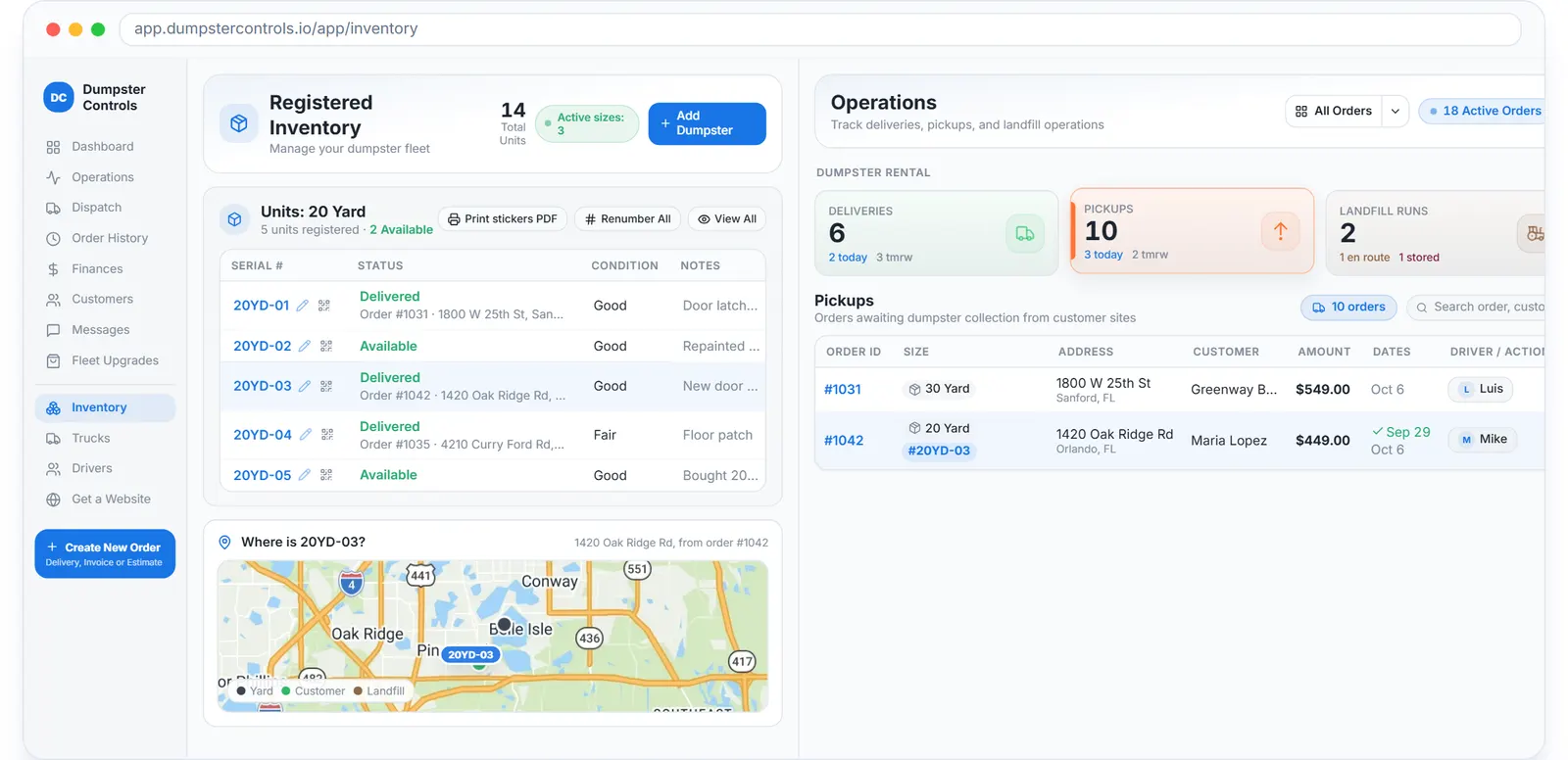
In Dumpster Controls, every container is a unit with a serial number, a status and, when it is out, the order number and address it sits at. Registering a size creates the units, the driver binds a unit to the order at delivery by scanning its QR sticker, and the map shows where each can is and whether it is late. It is free for any fleet size.
The count is what makes the booking page honest: a size with zero units cannot be booked, and the number of cans that are free is on the Inventory page, not in someone's head.
How container tracking works in Dumpster Controls
- Register the size and how many you own. In Inventory, Add Dumpster asks the yardage, from 2 to 40 yards, how many of that size you own, a photo and the prices. Saving creates the units automatically with sequential serials such as 20YD-01 through 20YD-05, and that count controls availability.
- Groom the unit list. Each size row has a stepper: plus registers a new unit with the next serial, minus removes the newest available one, and a unit in use cannot be removed. Expand the row to see Serial, Status, Condition and Notes, rename a serial with the pencil, or Renumber All into a clean sequence.
- Print the QR stickers. Each unit has a QR sticker unique to it, printed one at a time or as one PDF per size. Stick it on the can once.
- Bind the unit at delivery. In the driver app, after the delivery photo, the Which dumpster did you drop card lets the driver pick the unit, scan the sticker or type the label. If it is skipped, the office can select the unit when marking the order delivered, and the serial then shows as a chip on the order's cards.
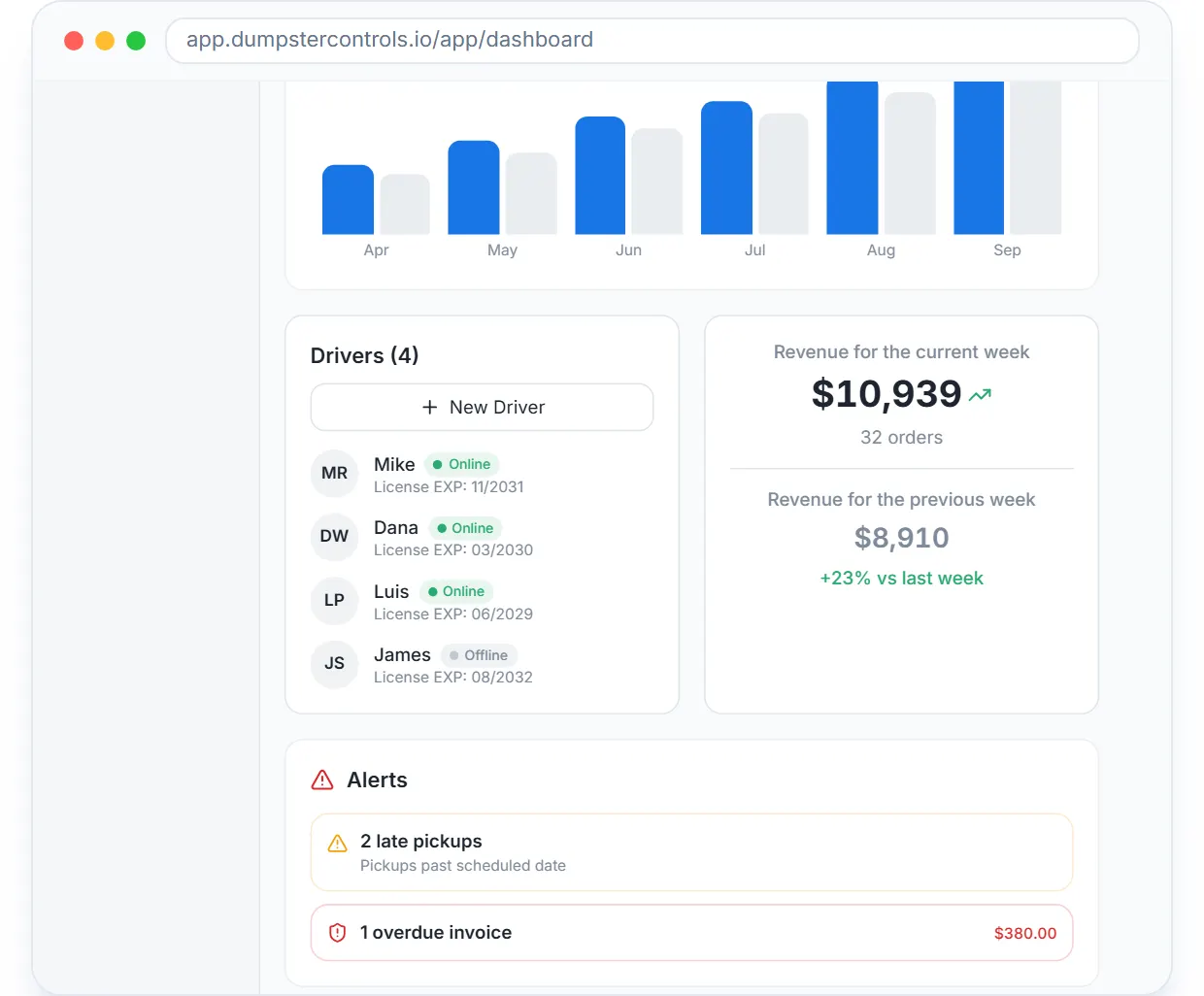
- Watch the fleet on Operations and the map. Operations shows four cards, Deliveries, Pickups, Landfill Runs and Junk Removal, each with today, late and tomorrow counters; counts refresh about every 30 seconds. On the map, container pins carry the size, green when delivered on schedule and orange with an alert when late.
- Free it at the pickup. A confirmed pickup turns into a landfill run; when the driver completes it with the receipt scan, the truck is marked empty again and the unit goes back to available for the next order.
Every step above is documented screen by screen in the manual: How to manage individual units and serial numbers.
Every can out, by size, on the dashboard map: green on schedule, flagged when late, next to the trucks and the yard.
What you need
A free account
Inventory, QR stickers and the map are on the free plan.
Your sizes and counts
How many physical cans of each size you own.
Any printer
For the QR sticker PDFs, plus a weatherproof label sleeve if the cans live outside.
Drivers on the free app
iOS or Android, which is where the scan happens.
Where this fits
The full container lifecycle, empty, delivered, full, stored and back, with swaps and the landfill cost per container, is at roll-off container software; the shorter dumpster version is dumpster container tracking, and the fleet side is dumpster fleet tracking. What tracking costs elsewhere per month, often per container, is on dumpster rental software cost.
Next guide: how to manage roll-off service bookings.
How to track containers and inventory for a hauling company: FAQ
Topicstrack containers hauling company container inventory tracking dumpster inventory software roll-off container tracking free hauling software