ANSWER PAGE · FREE FOR ANY FLEET SIZE
How to manage customer relationships in junk removal
Tell the customer what is happening before they call, remember what the last crew learned, ask for the review while the driveway is still clean, and know who pays on time. Free, USA and Canada.
- Unlimited SMS and email updates, at no charge
- Notes and an activity timeline on every customer
- Google review request by email and text in one click
- Lifetime value and per-job profit on the same record
Get the Free SoftwareSee features
4.7 on the App Store Available in all 50 US states and Canada
Last updated September 27, 2026 Published by Dumpster Controls, built by a software group led by a founder with 20+ years in enterprise IT who also ran a roll-off business for four years
In Dumpster Controls, customer relationships in junk removal are managed from the job and the customer record together. The customer is told automatically when the job is booked, when the crew is moving and when the invoice is due; the office keeps notes and a timeline on the profile; and the review request goes out from the completed job. None of it needs a second tool, and all of it is free for any fleet size.
How customer relationships work in Dumpster Controls
- Quote first, in writing. An estimate goes to the customer as a public link by email or text; they accept with one tap and the estimate shows as accepted on the Customers page. See how to send an estimate.
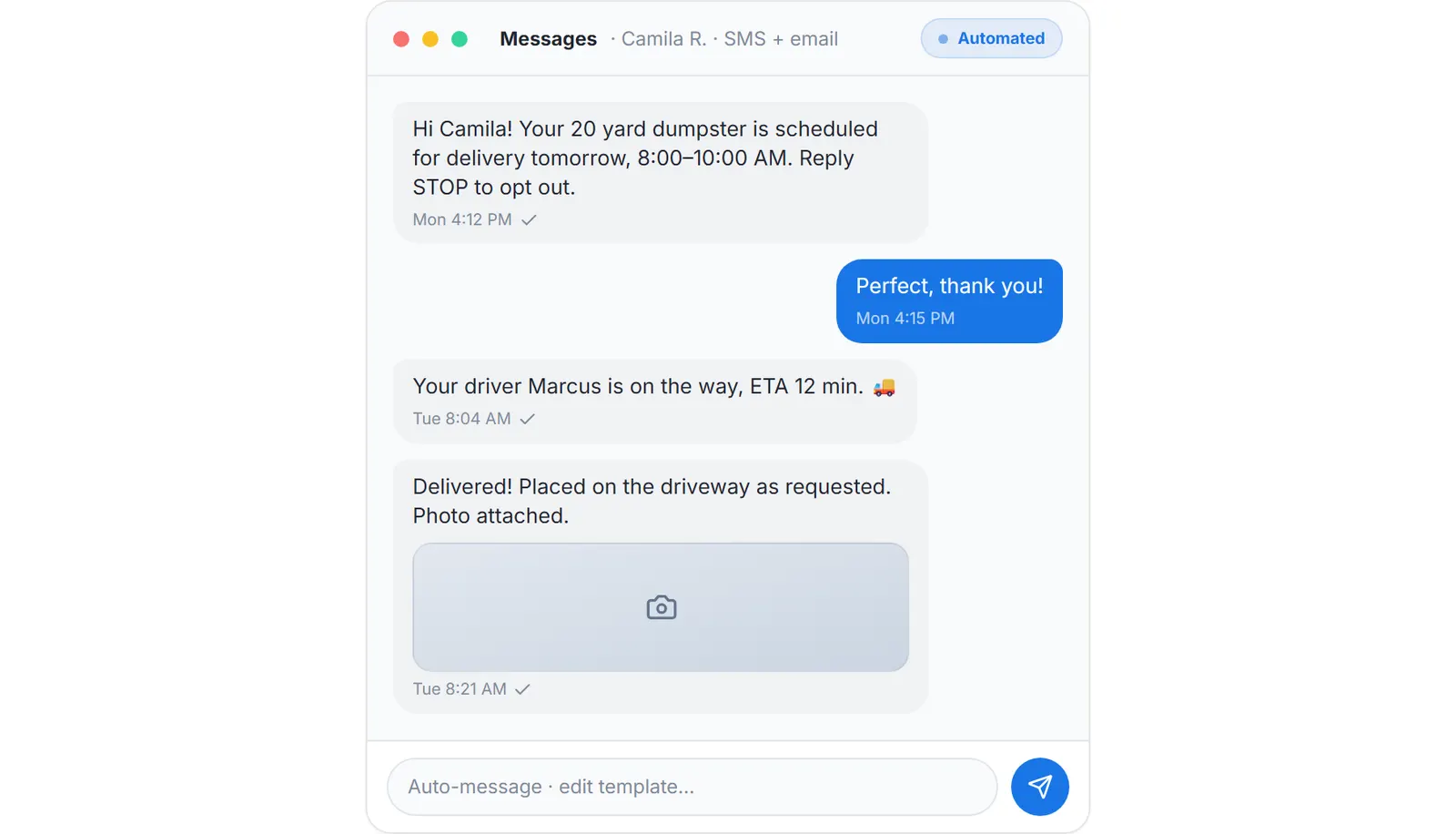
- Let the updates go out on their own. Once the job exists, the customer receives the confirmation, then status updates as the crew works, then the invoice with its payment link and reminders, by email and SMS. There is no message pack and no per-message fee. See transactional notifications per customer.
- Write down what the crew learned. Notes on the profile are office-only free text: the gate code, the dog, the neighbor who complains about the truck. The Activity tab keeps the timeline of every order event, newest first. See the customer profile.
- Turn the volume down for the contractor. A property manager with ten cleanouts running flips the Receive transactional notifications switch off and still gets invoices, payment links and receipts.
- Ask for the review from the job. Ask for a Google review sends your message and review link by email, SMS or both, from the completed job or the profile. See asking for a Google review.
- Know who is worth keeping. The Orders tab lists each job with Contracted, Expenses and P&L, and unpaid invoices from one customer can be consolidated into a single payment. See viewing a customer's orders.
Every step above is documented screen by screen in the manual: How to open a customer profile.
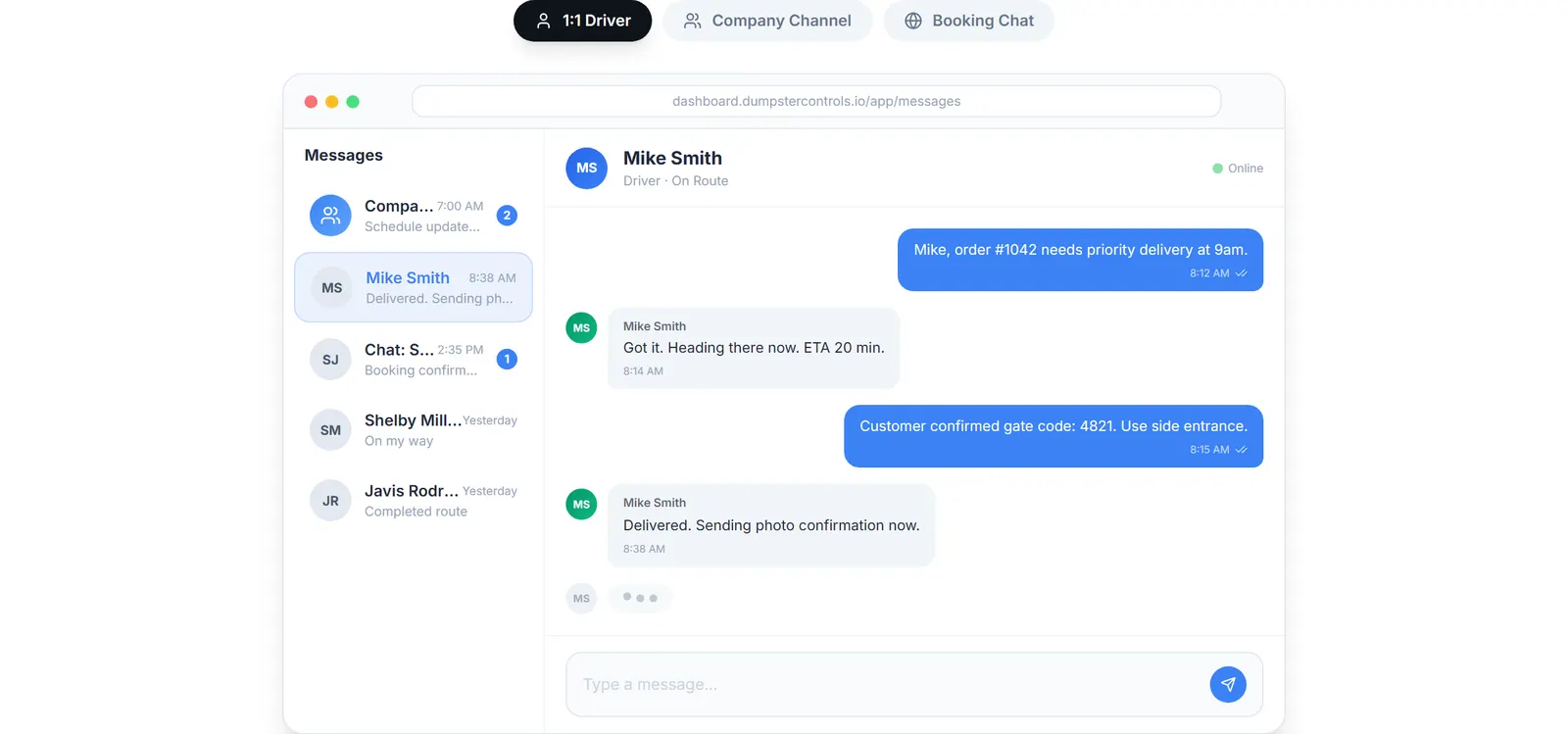
One inbox: the booking chat from your website, the crew and the office, so nothing lives in a personal phone.
What you need
A free account
Notifications, notes, the timeline and the review request are all included.
An email or phone on each customer
That is where the updates and the review request go.
Your Google review link
Pasted once into the review message.
A chat bubble, optionally
The booking page chat lands in your Messages inbox.
Where this fits
The record behind these habits, profile types, imports and the API, is on junk removal CRM. The whole operation is on software for junk removal, and what paid CRMs charge per seat is on dumpster rental software cost.
Next guide: software for customer management in a junk removal business.
How to manage customer relationships in junk removal: FAQ
Topicscustomer relationships junk removal junk removal customer communication junk removal review request repeat customers junk removal