ANSWER PAGE · FREE FOR ANY FLEET SIZE
How to provide proof of service for junk removal customers
The crew takes the photo in the app, the app stamps it with date, time, location and your company name, and it lands on the job before the truck leaves the driveway. Free, USA and Canada.
- Photo slots on every task, with the required one marked
- Stamp with date, time, GPS location and company name
- Photos on the office record the second they upload
- Evidence photos travel with any extra charge
Get the Free SoftwareSee features
4.7 on the App Store Available in all 50 US states and Canada
Last updated September 27, 2026 Published by Dumpster Controls, built by a software group led by a founder with 20+ years in enterprise IT who also ran a roll-off business for four years
In Dumpster Controls, proof of service for a junk removal customer is a photo taken in the crew app and stamped by the app with the date, time, GPS location and your company name, attached to the job the moment it uploads. When a customer says the garage was not cleared, or was damaged, the answer is the stamped photo on the job record, taken before anyone knew there would be an argument.
How proof of service works in Dumpster Controls
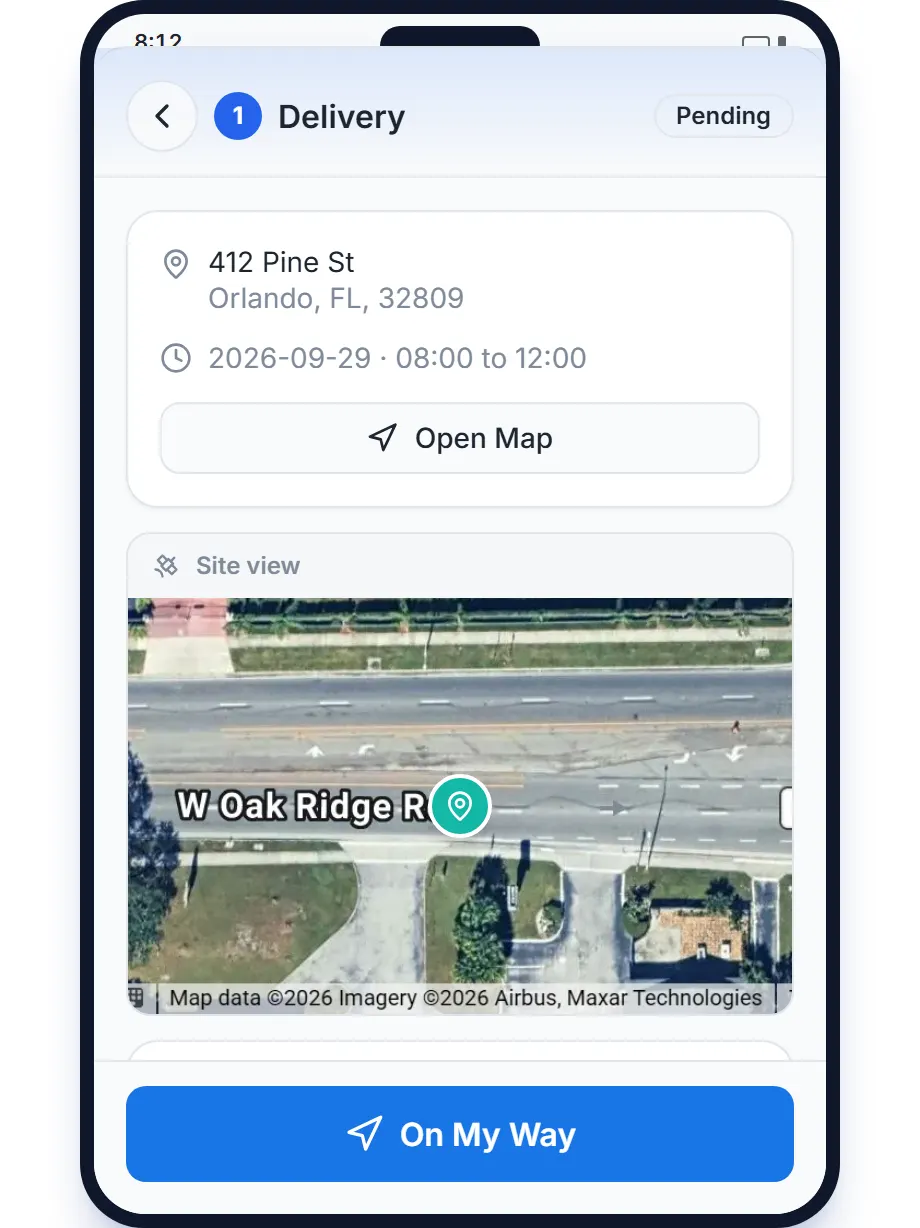
- The crew opens the job and taps I've Arrived. The task sheet then shows square photo slots for that task type. The slot the job needs is outlined and marked Required; empty slots read Tap to add photo. See how to add proof photos to a task.
- Shoot or pick. Tapping a slot offers Take Photo or From Library. A filled slot shows a green check and can be changed or deleted, and deleting asks for confirmation first.
- The app stamps the photo. Date, time, location and company name are burned into the image on upload. Receipts from the transfer station are the exception and upload clean so the weight and the price stay readable.
- The office sees it immediately. Photos attach to the order record, grouped by moment in the Photos card, and completed tasks keep them in a read-only gallery. Anyone in the office can open the lightbox while the crew is still on site. See photos and the landfill receipt on an order.
- Use the photos when money is involved. Charge Extra Fee takes up to three evidence photos, and the customer's charge email carries them along with the receipt. View Details on the charge shows exactly which evidence was sent. See how to charge an extra fee.
- Do it by voice if the crew prefers. Telling Tresha finished the job at Miller opens a confirmation card with Camera and Upload buttons; the photos get the same stamp, and nothing completes until the crew taps Confirm. See completing tasks from the Tresha chat.
Every step above is documented screen by screen in the manual: How to add proof photos to a task.
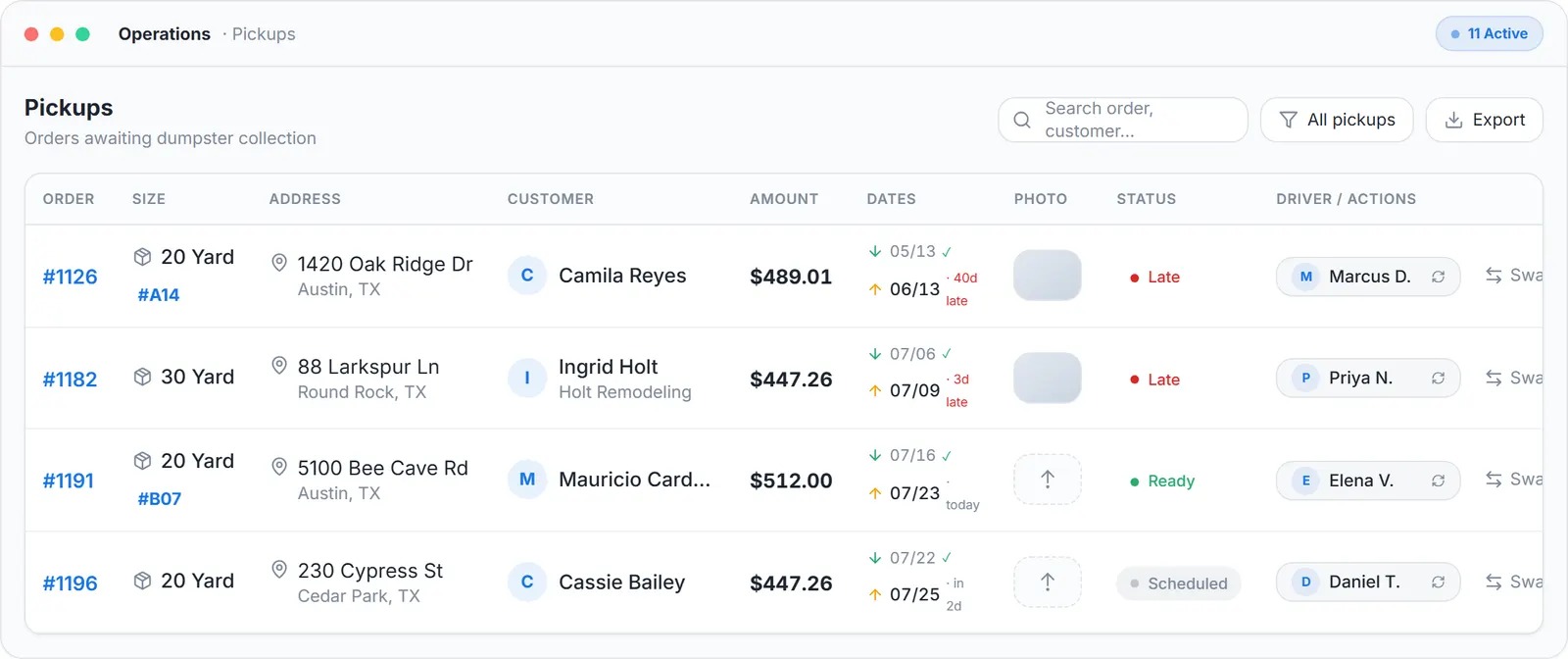
The office side: a photo slot on every job in Operations, filled the second the crew uploads.
What you need
The free app on the crew's phones
iPhone or Android, signed in with the driver account the office invited.
Camera and location permissions
The stamp reads the GPS position.
A tablet in the truck, optionally
The same app runs in Truck Tablet Mode.
Nothing per photo
No limit on photos or jobs, nothing to configure.
Where this fits
Photo proof is one screen of the crew app; the rest of that screen is on junk removal app. The whole junk operation is on software for junk removal, and what paid platforms charge for a crew login is on dumpster rental software cost.
Next guide: how to send proof of service photos to customers automatically.
How to provide proof of service for junk removal customers: FAQ
Topicsproof of service junk removal junk removal before and after photosstamped photos junk removal app junk removal dispute photos