ANSWER PAGE · FREE FOR ANY FLEET SIZE
How to send proof of service photos to customers automatically
A straight answer: Dumpster Controls sends two kinds of photo to the customer on its own, keeps every other job photo stamped on the record, and lets you share any of them in a minute. Free, USA and Canada.
- Extra charge evidence photos go out with the charge email
- Landfill receipt image shown on the invoice, with an off switch
- Every photo stamped with date, time, location and company
- Job gallery open to the office the second the crew uploads
Get the Free SoftwareSee features
4.7 on the App Store Available in all 50 US states and Canada
Last updated September 27, 2026 Published by Dumpster Controls, built by a software group led by a founder with 20+ years in enterprise IT who also ran a roll-off business for four years
In Dumpster Controls, proof of service photos reach the customer automatically in two documented cases: the evidence photos attached to an extra charge are sent with the charge email, and the landfill receipt image is shown on the customer's invoice by default. Every other photo the crew takes is stamped and kept on the job, where the office shares it the moment a customer asks. This page describes what the software does, not what a brochure would like it to do.
How proof photos reach the customer in Dumpster Controls
- The crew takes the photos in the app. Each task has photo slots, the required one marked; the app stamps date, time, GPS location and company name on upload. See adding proof photos to a task.
- They land on the job record at once. The Photos card on the order groups them by moment, and the office can open the lightbox or upload a missing one. See photos and the landfill receipt on an order.
- Sent automatically, case one: the extra charge. Charge Extra Fee attaches up to three evidence photos; the customer's charge email carries the receipt and the evidence, and View Details on the charge shows what was sent. See charging an extra fee.
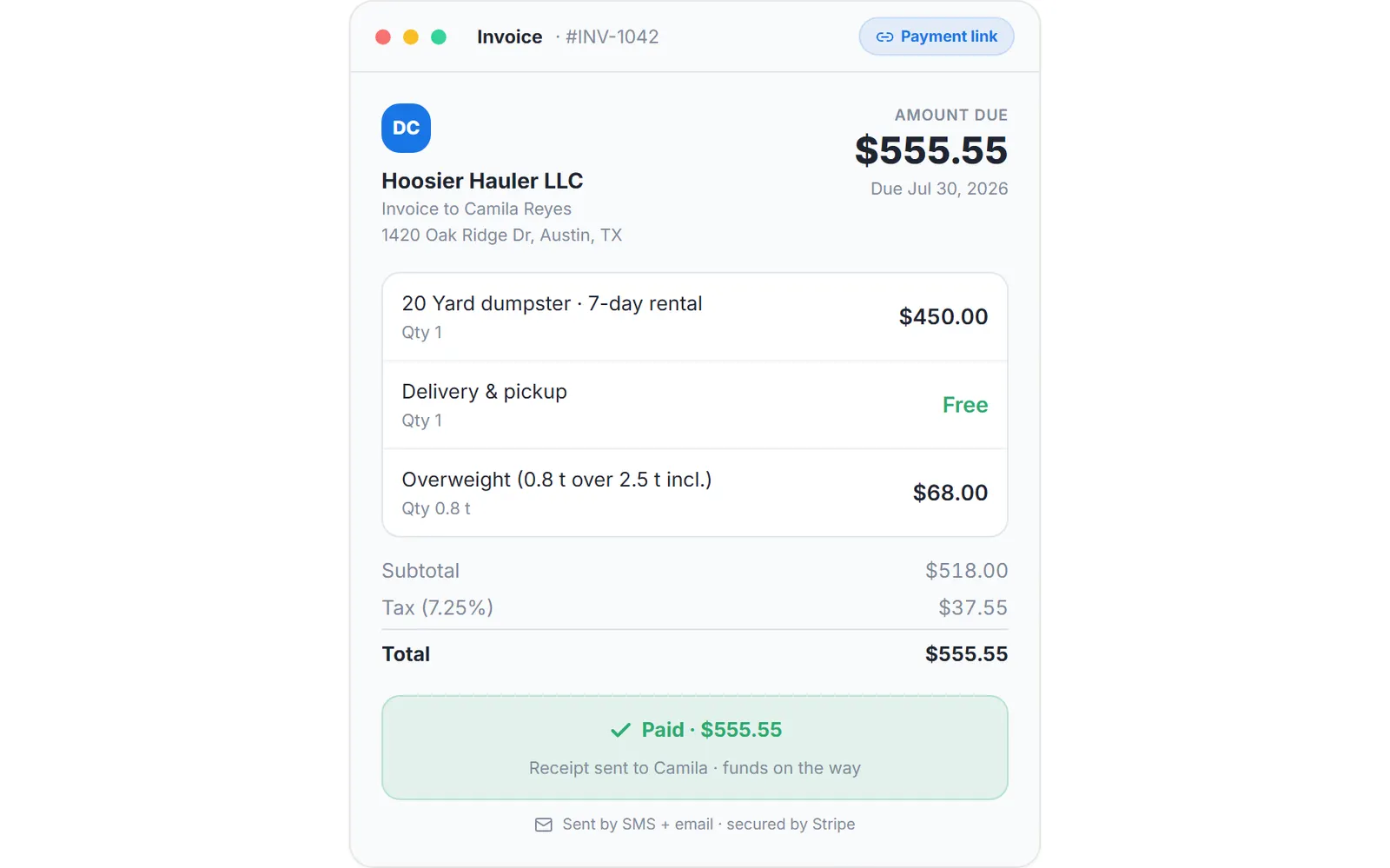
- Sent automatically, case two: the landfill receipt. The receipt image shows as its own section on the invoice the customer opens and on the invoice PDF. Turn it off in Account Center, Company, if receipts are for your records only; your landfill cost is never shown either way.
- Shared on request: everything else. For was the garage really cleared, open the job, open the stamped After photo, and send it. The stamp is what makes it an answer rather than a claim.
Every step above is documented screen by screen in the manual: How to add photos and the landfill receipt to an order.
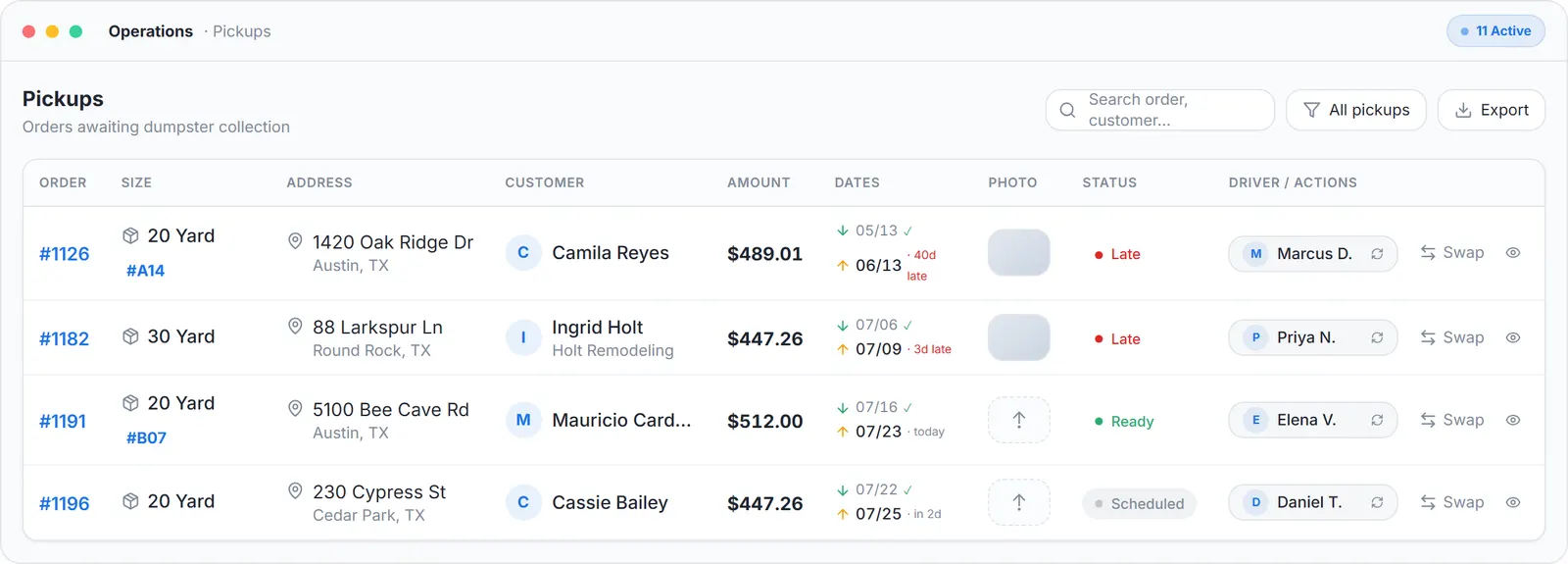
Where the rest of the photos live: a photo column on every order, stamped, ready to share when a customer asks.
What you need
The free app on the crew's phones
With camera and location permissions.
A customer email on the job
For the charge and invoice emails.
One setting, if you hide receipts
What your customers see, in Account Center.
Nothing to integrate
Photos, invoices and emails are the same account.
Where this fits
Taking the photos, the slots, the stamp and the voice option through Tresha, is on how to provide proof of service for junk removal customers. The crew's screen is on junk removal app, the whole operation on software for junk removal, and what other platforms charge for photo storage or crew logins is on dumpster rental software cost.
Next guide: how to manage customer relationships in junk removal.
How to send proof of service photos to customers automatically: FAQ
Topicssend proof of service photos to customersjunk removal photos to customer extra charge evidence photosstamped job photos