ANSWER PAGE · FREE FOR ANY FLEET SIZE
How to automate billing for a junk removal company
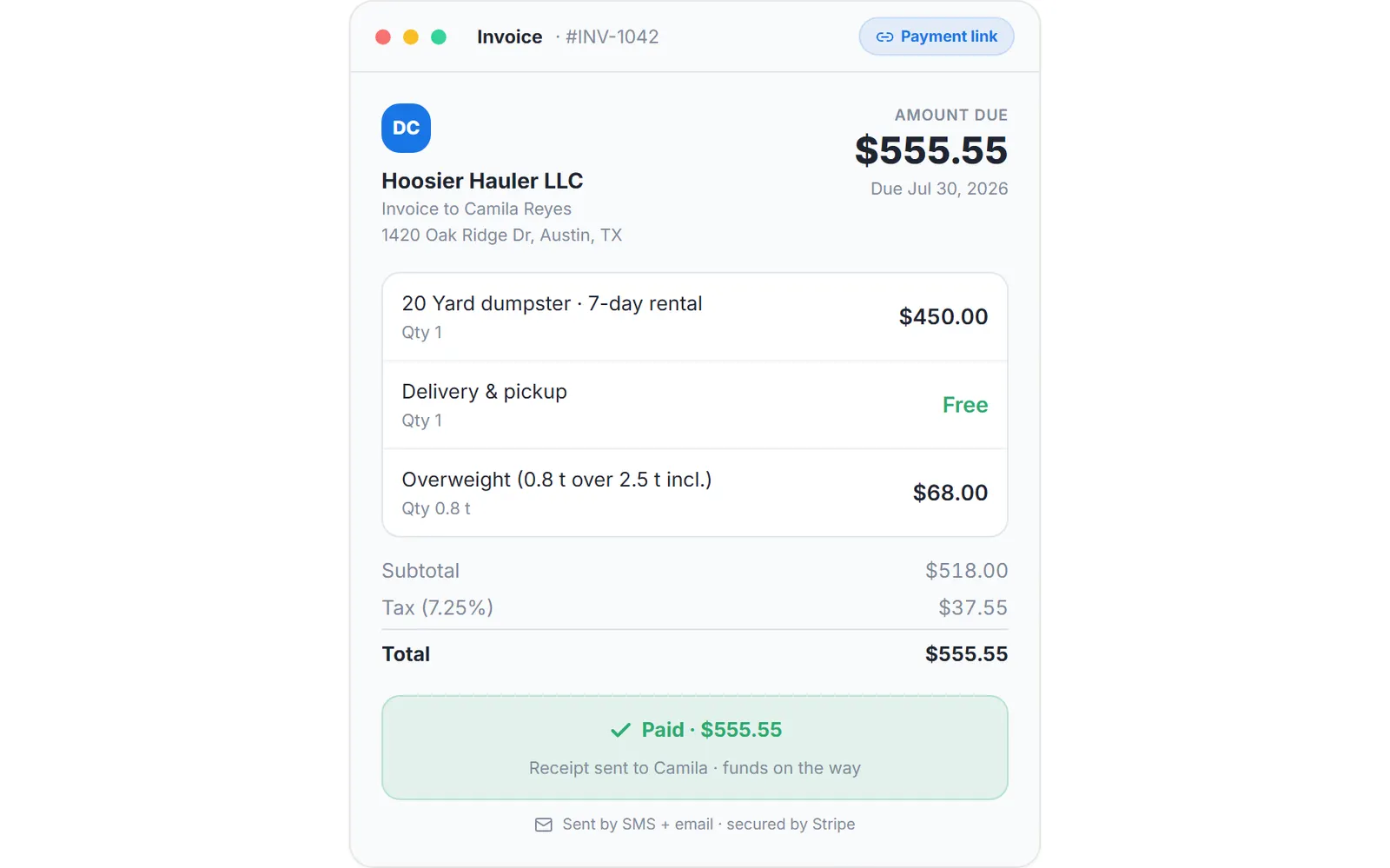
The invoice is created with the job, the payment link is sent by email and text, and reminders chase it for 5 days without anyone in the office remembering to. Free, USA and Canada.
- Invoice written the moment the junk job is created
- Payment link by email and SMS, Pay Now from any phone
- Daily reminders for 5 days, stopping the moment it is paid
- Mark as Paid for cash, check, Zelle and wire
Get the Free SoftwareSee features
4.7 on the App Store Available in all 50 US states and Canada
Last updated September 27, 2026 Published by Dumpster Controls, built by a software group led by a founder with 20+ years in enterprise IT who also ran a roll-off business for four years
In Dumpster Controls, billing for a junk removal company is automated by tying the invoice to the job itself. The invoice is written when the job is created, the payment link goes out by email and text message, and daily reminders run for 5 days and stop the moment the customer pays. The office never writes an invoice after the fact, and all of it is on the free plan.
How automated junk removal billing works in Dumpster Controls
- Connect Stripe once. Payment links and card charges need a connected Stripe account. Until then the Send Payment Link button reads Send Invoice and the invoice still goes out, only without the Pay Now button. See how to connect Stripe.
- Create the junk job with a price. The job carries the load fraction sold and its amount from your Load Pricing table, and the invoice is generated with it. Jobs booked online, by phone or by voice with Tresha all land the same way. See creating an order with a payment link.
- Send the payment link. The Send Payment Link modal generates a secure checkout link and delivers it by email and text, with a Copy button if you would rather paste it into WhatsApp. The customer taps Pay Now from any device. See how to send a payment link.
- Let the reminders chase it. With Auto-Reminders (5 days) left on, the customer gets a friendly daily email, text or both for 5 days, each carrying the link. Reminders stop on payment, and you can switch them off for one invoice before sending. See automatic payment reminders.
- Bill what the crew found on site. Charge Extra Fee adds the extra load or the trip charge with up to three photos as evidence, then charges the card on file, sends a new payment link, or records the cost internally. See how to charge an extra fee.
- Record cash without breaking the chain. A job paid in cash, check, Zelle or wire is settled with Mark as Paid, which also stops any reminder cycle. See how to mark an invoice as paid.
Every step above is documented screen by screen in the manual: How to create an order with a payment link.
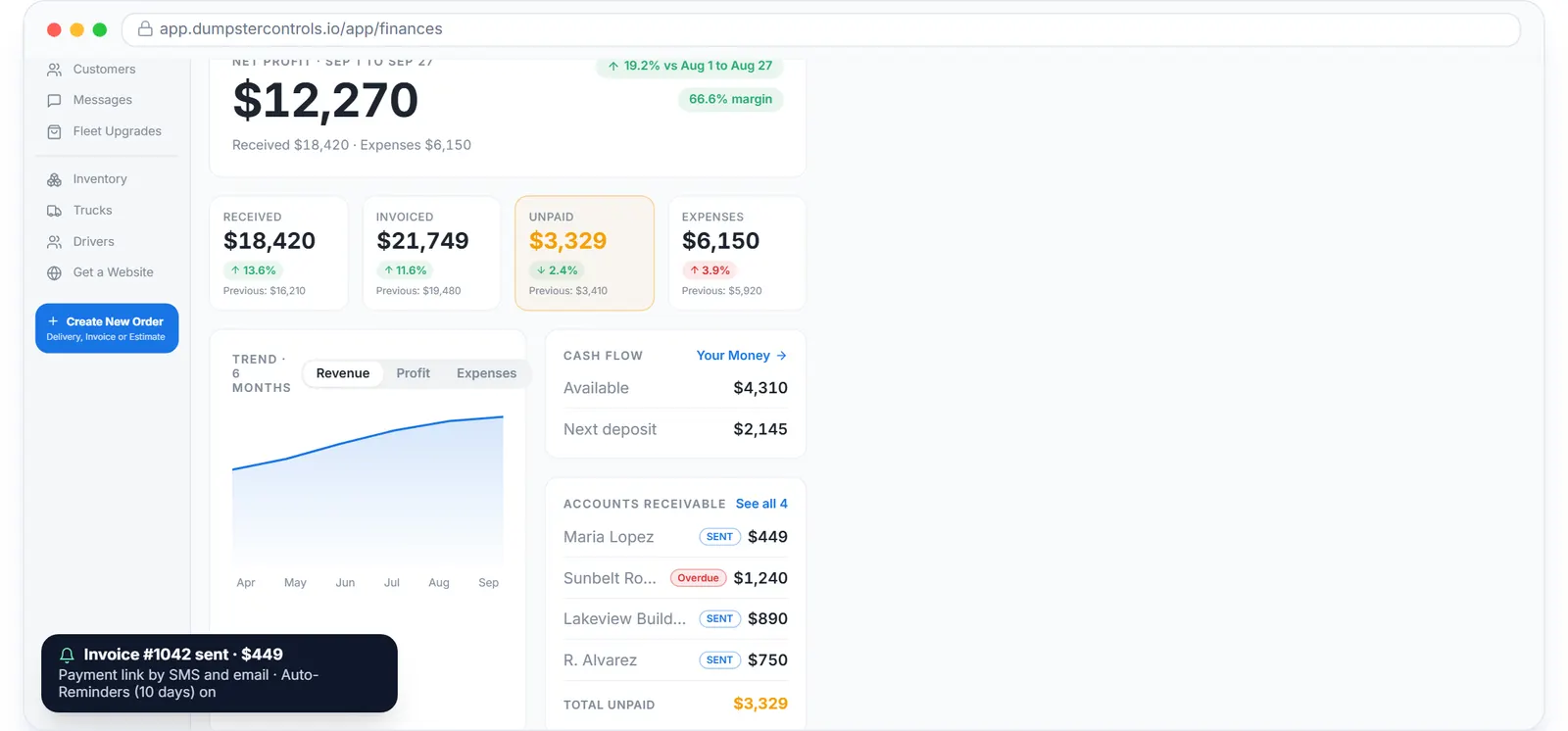
What the reminders work on: unpaid money, aged by days, with nothing waiting for the office to remember.
What you need
A free account
No card to sign up, no per-invoice fee, no invoice template to design.
Stripe connected
From Account Center, in about five minutes. Cash jobs need nothing.
A customer email or phone
That is where the link and the reminders go.
One decision on the card fee
The customer pays it on top, your company absorbs it, or a 50/50 split.
Where this fits
The full billing side, overweight math, consolidated Super Invoices and native QuickBooks Online sync, is on waste management billing software. The junk workflow around the invoice is on software for junk removal, and what other vendors charge for the same invoicing seat is on dumpster rental software cost.
Next guide: how to get paid faster as a junk removal company.
How to automate billing for a junk removal company: FAQ
Topicsautomate billing junk removal junk removal invoicing junk removal payment link automatic payment reminders junk removal